Guided stretching for iPhone
Stretch slowly.
Sleep easier.
Unwind talks you through each hold with a timer, breathing cues and soft haptic taps, so you can close your eyes and let go. After dark, the whole app turns dim red on black, so your screen doesn't wake you up.
Features
A quiet coach for your body
Everything stays on your iPhone. No account, no feed, no noise.
Guided holds
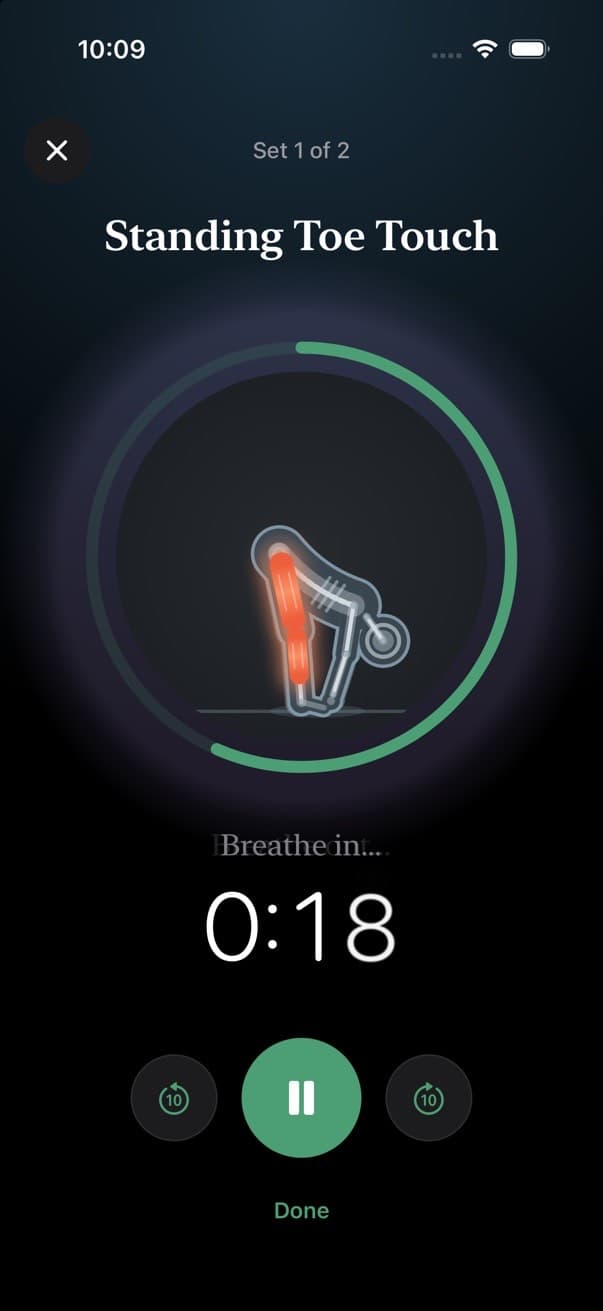
A timer ring, gentle breathing prompts and a countdown for every hold, set and side.
Eyes-closed haptics
Soft taps when a hold starts, when to switch sides and when rest is over. No need to look.
Bedtime mode
Pure black with dim red accents, on a schedule or at the tap of the moon button.
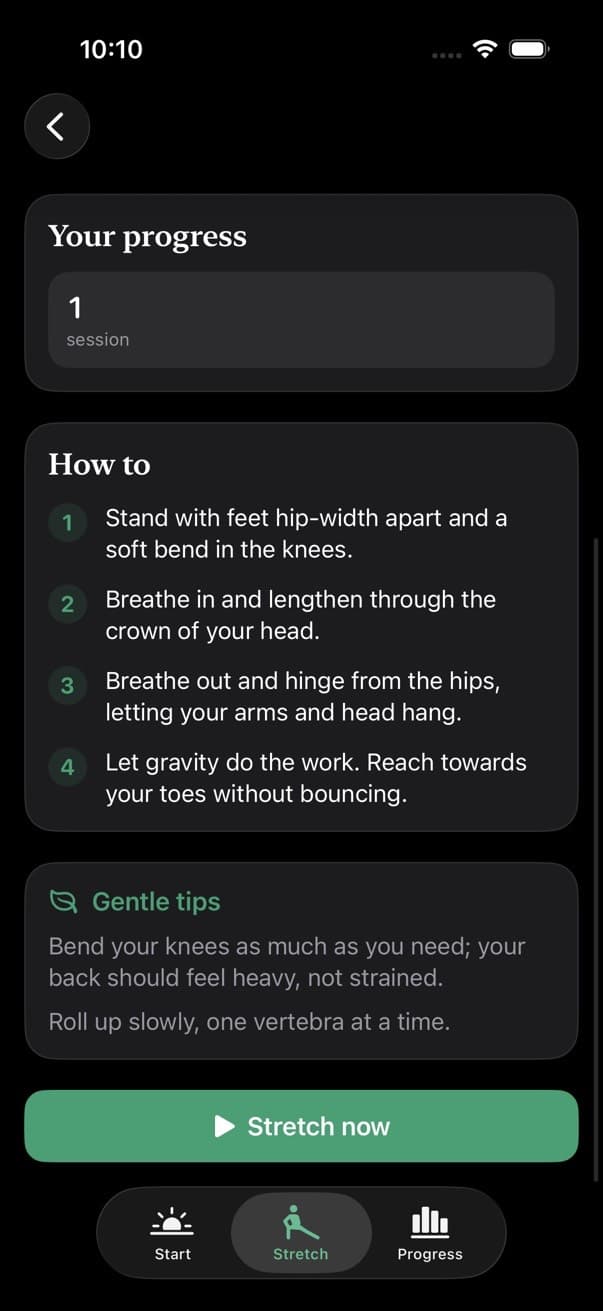
26 stretches, explained
Step-by-step how-tos and illustrated figures that light up the muscle you're working.
Routines your way
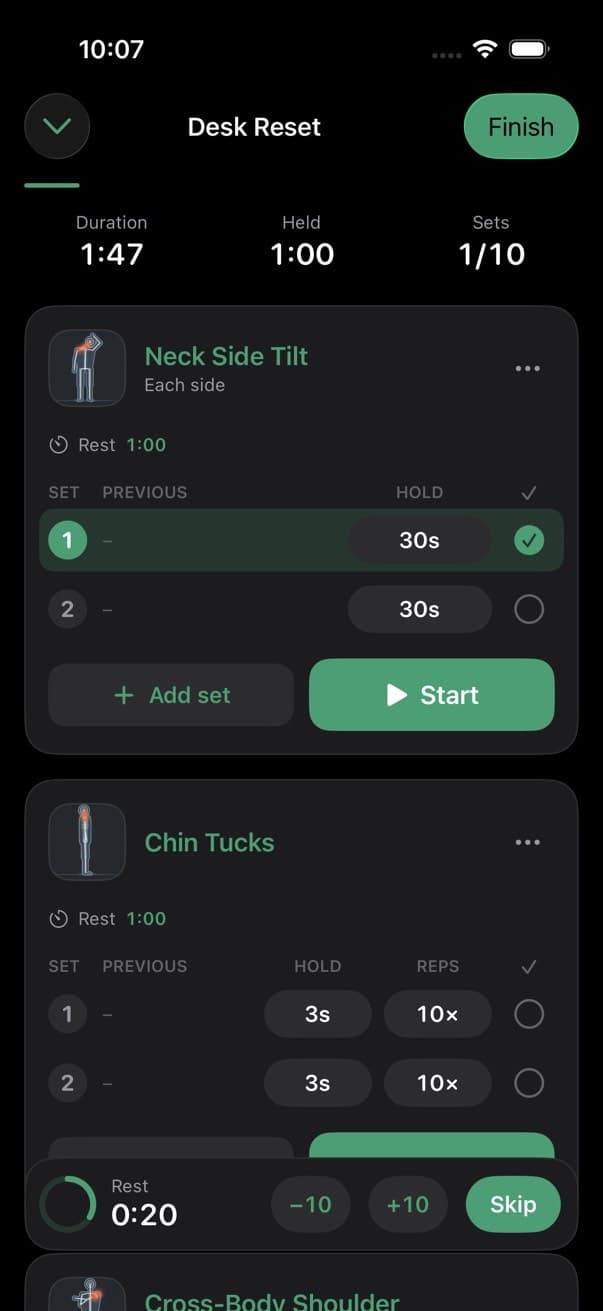
Start from nine ready-made routines or build your own with sets, holds, reps and rest.
See your progress
Streaks, a calendar, minutes per week, and how loose you felt after every session.
Routines
Pick one and press start
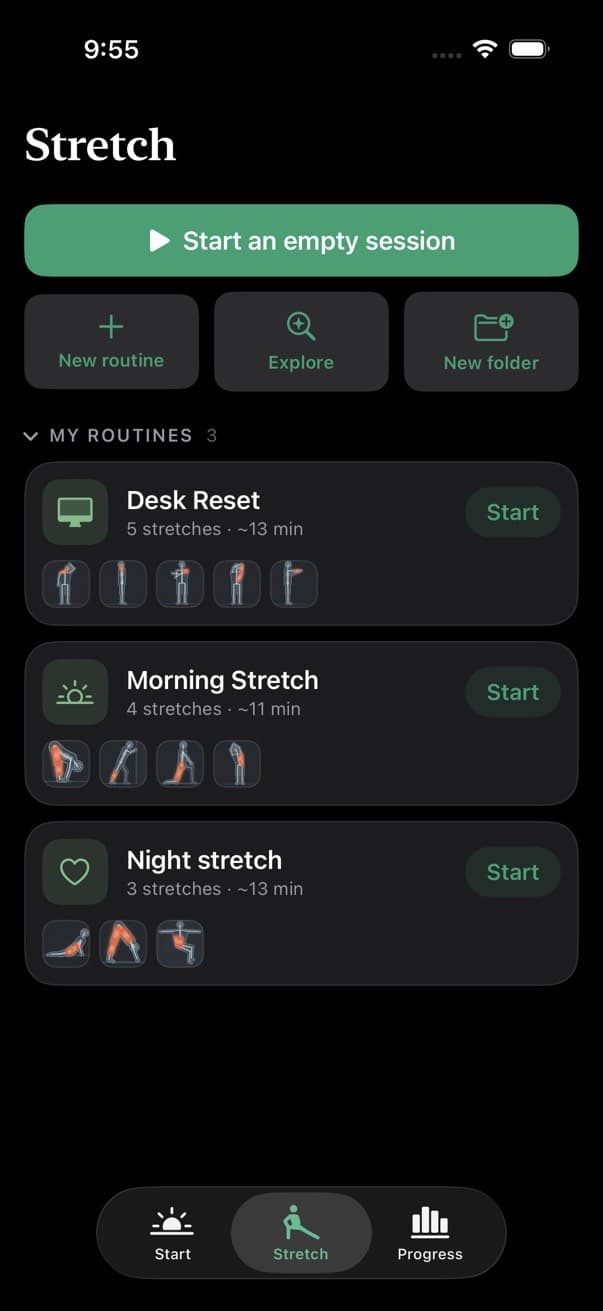
Nine routines for the places you hold tension. Tweak any of them, or build your own from scratch.
Gentle Full Body
Head to toe, unhurried. A kind place to start.
Back Pain Relief
Gentle, low-impact moves to decompress and soothe a sore lower back.
Stiff Neck Rescue
Melt tension from the neck and upper shoulders in under ten minutes.
Upper Body Unwind
Open the chest, free the shoulders and release the arms.
Lower Body Flow
Hamstrings, quads, calves and hips. Great after a walk or run.
Hip Opener
Slow, deep holds for tight hips from too much sitting.
Desk Reset
A five-minute break for screen-weary necks, wrists and backs.
Morning Wake-Up
Gently wake the spine and get the blood moving.
Before Bed Wind-Down
Long, quiet floor holds to settle the nervous system before sleep.
Bedtime mode
Built for the last thing you do before sleep
Bright white and blue light is the last thing your eyes need at night. In bedtime mode, Unwind turns the whole screen monochrome red on pure black, so you can stretch in a dark room without the glare.
- Pure black screens with dim red text and outlines, keeping lit pixels to a minimum.
- Turns on by itself from 9 pm to 6 am. Change the hours, or switch it off.
- Tap the moon on the Today screen to flip it on or off at any time.
- Outside bedtime, Unwind follows your iPhone's light or dark appearance.
Inside the app
Calm by design
Your routines
How-to for every stretch
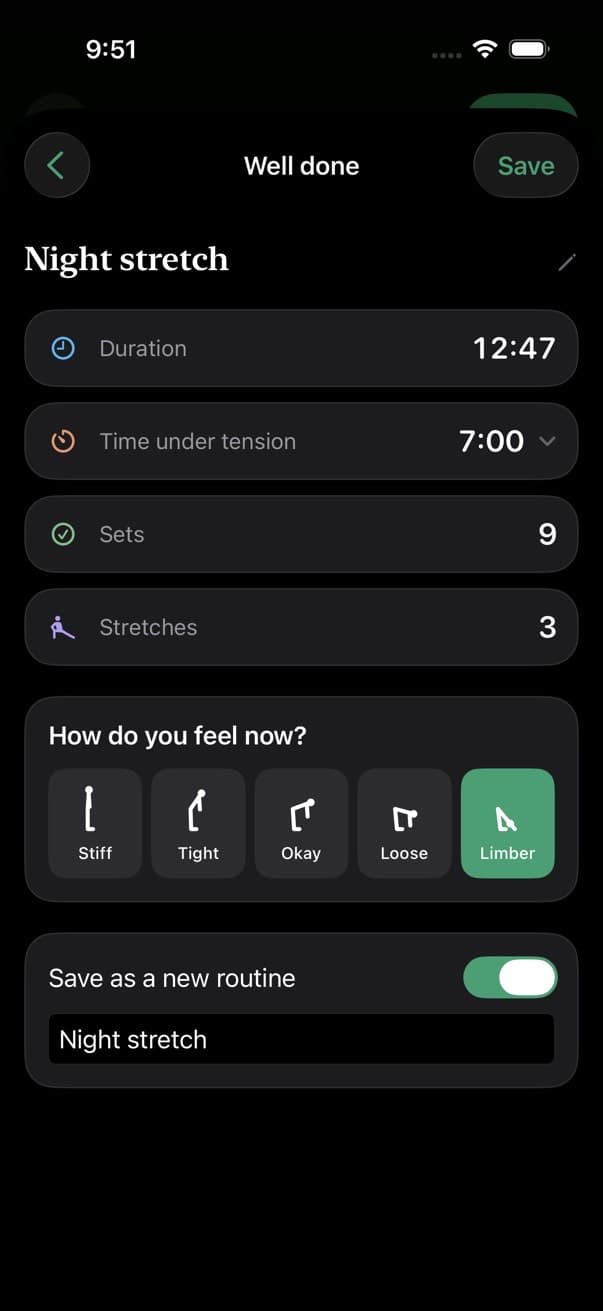
How do you feel now?
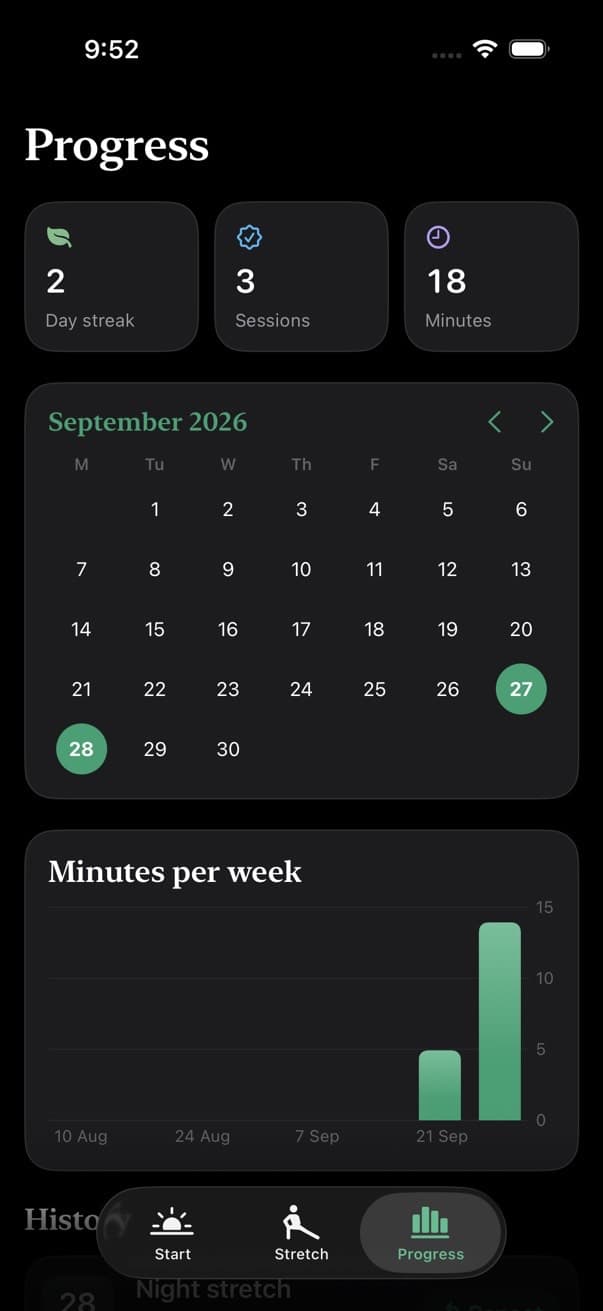
Streaks and progress
FAQ
Questions, answered
Do I need an account?
No. There's nothing to sign up for. Your routines and history are stored on your iPhone.
What is bedtime mode?
It turns the whole app pure black with dim red accents, to protect your night vision and avoid bright light before sleep. By default it switches on at 9 pm and off at 6 am, and you can change the hours or toggle it with the moon button.
Can I make my own routines?
Yes. Start from an empty session or one of the nine ready-made routines, then add stretches and set the holds, reps, sets and rest to suit you.
Is it safe if I have back or neck pain?
Stretch gently and never into pain. If you have an injury or medical condition, check with a health professional first.
I have another question
Email us at support@unwind.love and we'll get back to you.

Ten minutes. Then sleep.
Put your phone on the floor, press start, and let Unwind count the breaths for you.
Coming soon to the App Store